Best Broker for Option Trading: Full Comparison

The best broker for option trading depends on your contracts, strategy, account permissions, and total costs. A trader practicing vertical spreads has different needs from someone managing covered calls or monitoring a portfolio of options across markets.
Begin with the underlying-market research in LuxAlgo’s native charts. Quant, our coding agent, can help turn a price-based idea into a testable strategy. Then use an options broker to evaluate the actual contracts, model their payoff, check buying power, and place orders. These are complementary parts of the workflow.
Options broker comparison at a glance
The following shortlist compares four established choices for U.S. listed options. It is based on published fees and documented tools reviewed on September 7, 2026, rather than a live execution-speed test. Availability, approvals, and pricing depend on your country, account, and product.
| Broker | Reason to consider it | Standard online options pricing to check | Important qualification |
|---|---|---|---|
| Charles Schwab / thinkorswim | Options analysis and paperMoney practice | $0 base commission plus $0.65 per contract | Online buy-to-close fee waiver at a contract price of $0.05 or less; other charges may apply |
| tastytrade | Options-focused tools and an equity-option opening commission cap | Stock/ETF options: $1 per contract to open, capped at $10 per leg; $0 closing commission | Broad-based index options are not covered by that cap; applicable fees remain on both sides |
| Interactive Brokers | Detailed risk analysis and tiered pricing choices | U.S. Pro rates vary with volume and premium; Lite is generally $0.65 per contract; $1 order minimum | Third-party charges, routing, and eligibility matter; the lowest advertised rate is not universal |
| Fidelity | Options tools within a broader investing account | $0 online base commission plus $0.65 per contract | Online buy-to-close contract-fee waiver at $0.65 or less; product and other fee exceptions apply |
Sources: Schwab pricing guide, tastytrade pricing, IBKR options commissions, and Fidelity’s full fee schedule. Check the current schedule and order preview before relying on a quoted rate.
Build the research workflow before choosing the order ticket
A broker’s options chain tells you which contracts are available. Your trading thesis should explain why you want the exposure in the first place.
- Choose the underlying and timeframe. In LuxAlgo, confirm the exact symbol and data provider. Use a multi-chart layout, where supported by your plan, to compare the market across timeframes.
- Define a measurable setup. Write down the entry condition, invalidation, exit, and intended holding period. Avoid choosing a call simply because its premium looks inexpensive.
- Test the price-based idea with Quant. Ask for explicit rules, review Code, and Run the strategy. Set realistic order size, commission, and slippage, and inspect losing periods. The Quant strategy guide explains this process.
- Translate the thesis into an options position. In your broker’s tools, compare strike, expiration, implied volatility, bid-ask spread, and payoff. An underlying-stock backtest is not an option-premium backtest.
- Plan the operational steps. Check approval, buying power, exit orders, and exercise or assignment handling before submitting an order.
For example, Quant can help express a rule that enters when the 20 EMA crosses above the 50 EMA and exits on the reverse cross. A profitable test of that rule does not establish which call to buy: time decay, volatility changes, strike selection, and the option’s spread can alter the result materially.
The LuxAlgo indicator library provides additional studies for chart research; check availability and compatibility rather than assuming every study runs inside each broker’s platform.
Charles Schwab: consider thinkorswim for analysis and practice
Schwab’s paperMoney offers simulated trading in thinkorswim, including options. This makes it useful for learning the order ticket and rehearsing position management before committing capital. Simulation results do not prove that a live order would receive the same fill.
The Risk Profile tool helps visualize an options position across underlying prices and assumptions about time and implied volatility. Use it to inspect adverse scenarios as well as the intended outcome.
Check before choosing: Can you build, modify, and close your intended spread confidently on the device you use? Do the displayed fees and buying-power requirements match your expectations? The standard contract fee applies on both opening and closing trades unless a waiver applies; the low-price buy-to-close waiver is not a general free-closing policy.
Video: analyzing options with thinkorswim Risk Profile
This Schwab coaching webcast demonstrates Risk Profile using a paperMoney example. It is a longer platform walkthrough, useful for seeing how price, time, and volatility scenarios differ from an underlying price chart.
tastytrade: compare the opening cap against your actual trade size
tastytrade’s options platform includes Curve Mode and risk-analysis tools for examining positions. Its pricing deserves attention when you trade multiple stock or ETF option contracts per leg.
The stock/ETF options commission is $1 per contract to open, with a $10 opening cap per leg, and no closing commission. A 20-contract single-leg opening therefore has $10 in opening commission under that schedule. A two-leg trade can reach a separate cap on each leg. Applicable clearing, exchange, and regulatory fees still need to be included.
Check before choosing: Broad-based index options have a different treatment and are excluded from the equity-option cap. Do not apply the stock-option example to SPX or to options on futures. Compare your product’s full schedule, including exercise and assignment charges where relevant. Increasing position size merely to reach a commission cap increases exposure and is not a reason to trade more.
Interactive Brokers: examine tiering and portfolio risk tools
IBKR’s U.S. options schedule distinguishes Pro and Lite. Pro pricing varies with monthly volume and the contract premium; for example, the low-volume tier for premiums of at least $0.10 is $0.65 per contract. The published $1 minimum matters for small orders. Exchange and other third-party charges can affect the final amount. Lite eligibility is limited to U.S. residents.
Risk Navigator supports portfolio-level exposure analysis and hypothetical changes to positions, prices, dates, and volatility. Those scenarios can help assess a position within a larger portfolio, but their model outputs are not guaranteed outcomes.
Check before choosing: Confirm the legal entity serving you, market permissions, data subscriptions, pricing plan, and the full preview for your particular order. Do not multiply the lowest advertised rate by every contract and assume that is your bill. For complex orders, verify the applicable minimum and fee handling directly.
Fidelity: evaluate the current Trader+ tools
Fidelity’s current options platform lineup includes Trader+ Desktop, Trader+ Web, its mobile app, and Fidelity.com. Trader+ Desktop was rebuilt from Active Trader Pro, so comparisons based only on the older platform can miss current features.
Documented tools include options chains, profit/loss modeling, and strategy building. Fidelity.com also provides an Options Strategy Evaluator. Feature availability varies by interface, so test the exact task you need rather than assuming identical controls everywhere.
Check before choosing: An existing Fidelity account can simplify account administration, but options approval and strategy permissions remain separate decisions. Its online buy-to-close waiver covers contract prices of $0.65 or less, subject to the schedule. Professional-trader designations, proprietary exchange products, and other assessments can change costs. A waiver of the contract fee does not waive the price paid to close the option.
Compare a round trip, not just the opening commission
For a hypothetical standard equity-option position, suppose you buy five contracts and later sell all five. Ignoring waivers, minimums, and additional charges:
- At $0.65 per contract per side, the base contract charges are 5 × $0.65 × 2 = $6.50.
- At $1 to open and $0 closing commission, the opening/closing commission total is $5.
- The difference is $1.50, before considering all other fees and execution.
A one-cent difference in the quoted fill price is $1 per standard 100-share contract, or $5 across five contracts on one side. This arithmetic explains why the cheapest headline commission does not necessarily produce the lowest total trading cost. Adjusted contracts can have different terms; see the OIC options basics.
Use comparable orders when evaluating execution: the same option series, quantity, order type, and market conditions. A stock execution-speed statistic does not establish options performance, and a fast fill at an unfavorable price is not automatically a better outcome.
Check permissions, assignment, and support
| Question | Why it matters |
|---|---|
| Is the broker available for my residence and account type? | A published platform feature does not establish that you can open the relevant account. |
| Am I approved for this exact strategy? | Covered calls, spreads, and uncovered options can require different permissions and collateral. |
| What happens near expiration? | Exercise instructions, broker deadlines, liquidation policies, and stock settlement can change the practical outcome. |
| Can I close or adjust every leg? | Partial fills and closing one leg can leave a different exposure than the original spread. |
| What support is available when the platform is unavailable? | Know the alternative order channel, its hours, and any assisted-trade charges. |
| Can I export useful records? | Contract details, timestamps, fills, and fees are needed to evaluate actual results. |
American-style short options can be assigned before expiration. A defined payoff at expiration does not remove every operational risk along the way. Understand the stock or cash obligation and the funds needed if exercise or assignment occurs.
Practice the distinction between buy to close and sell to close. Check the order preview for the intended position effect and remaining quantity rather than relying on a button label alone.
Review the results after choosing a broker
Keep the research thesis and actual execution together. Record the underlying setup, contract, entry and exit prices, fees, and any deviation from the plan. This lets you distinguish a weak market idea from a poor contract choice or an execution problem.
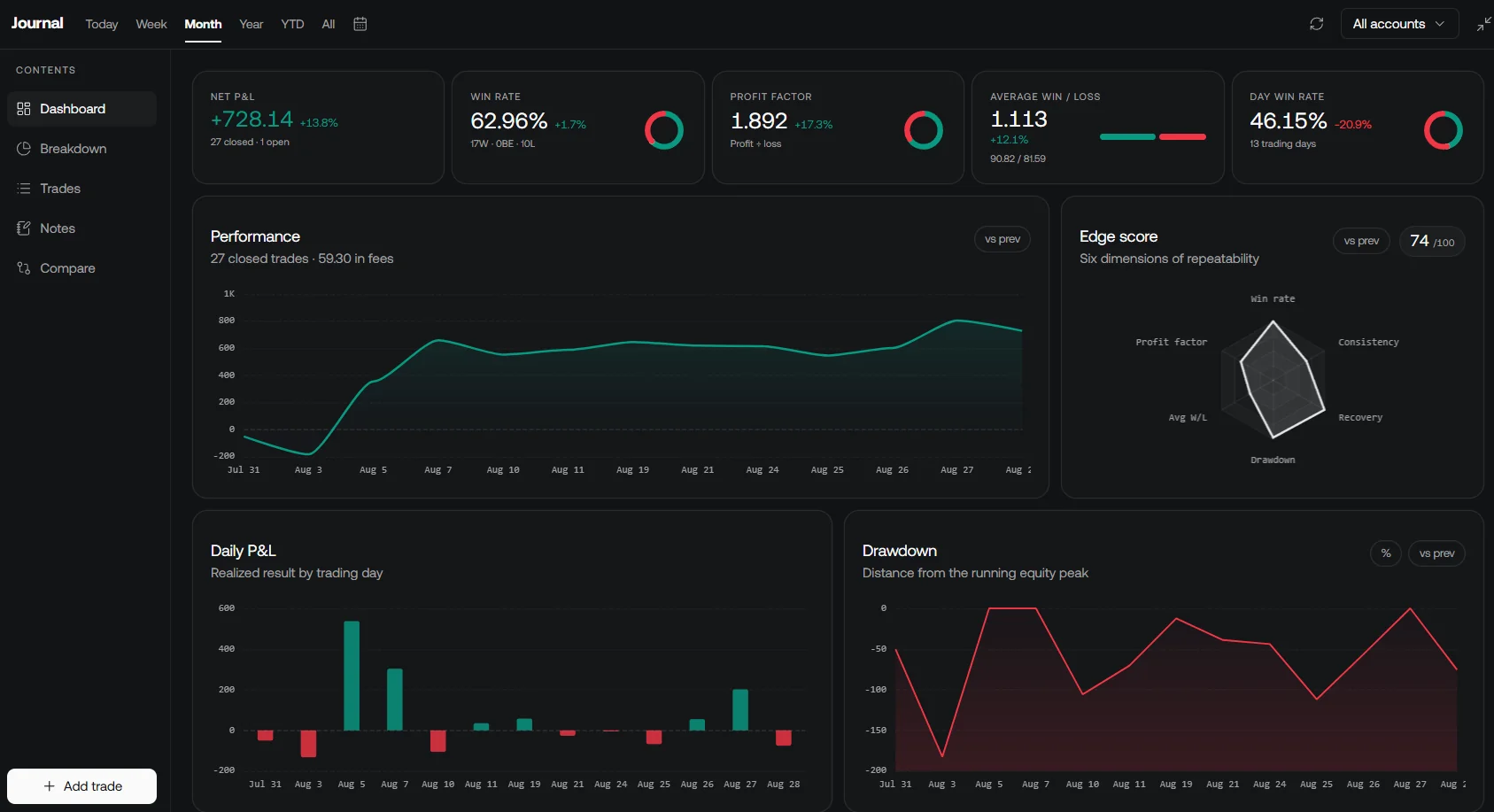
LuxAlgo’s Journal supports trade review through manual entry, supported imports, and supported broker connections. Check compatibility and field coverage for your records; do not assume every options strategy or broker export is represented automatically.
Choose the broker whose supported contracts, controls, costs, and workflow fit your requirements. Use LuxAlgo’s native charts and Quant to make the underlying research repeatable, then evaluate the option position and its execution on their own merits.
FAQs
Which options broker is best for beginners?
Prioritize understandable order controls, education, practice tools, and access to support. Schwab’s thinkorswim paperMoney is one documented option for simulation. Confirm eligibility and approval, and remember that simulated fills do not establish live execution quality.
Does zero closing commission mean an options trade is free to close?
No. A closing trade still has a premium paid or received, and applicable exchange, clearing, regulatory, or other charges can remain. A buy-to-close fee waiver may also depend on the contract’s quoted price. Read the full product schedule and order preview.
Can LuxAlgo Quant replace an options broker?
Use Quant to develop and test rules on supported chart data. Choosing and trading an actual option requires its contract terms, pricing, liquidity, account permissions, and execution tools. An underlying-market backtest does not establish the return of an options strategy.
Read next